May 4, 2026 · 6 min read
How to Set Up Continuous Patent Monitoring in 5 Minutes
A practical walk-through for indie founders: paste your product description, get weekly risk-graded reports across USPTO, EPO, arXiv, SEC and the news. No legal background required.
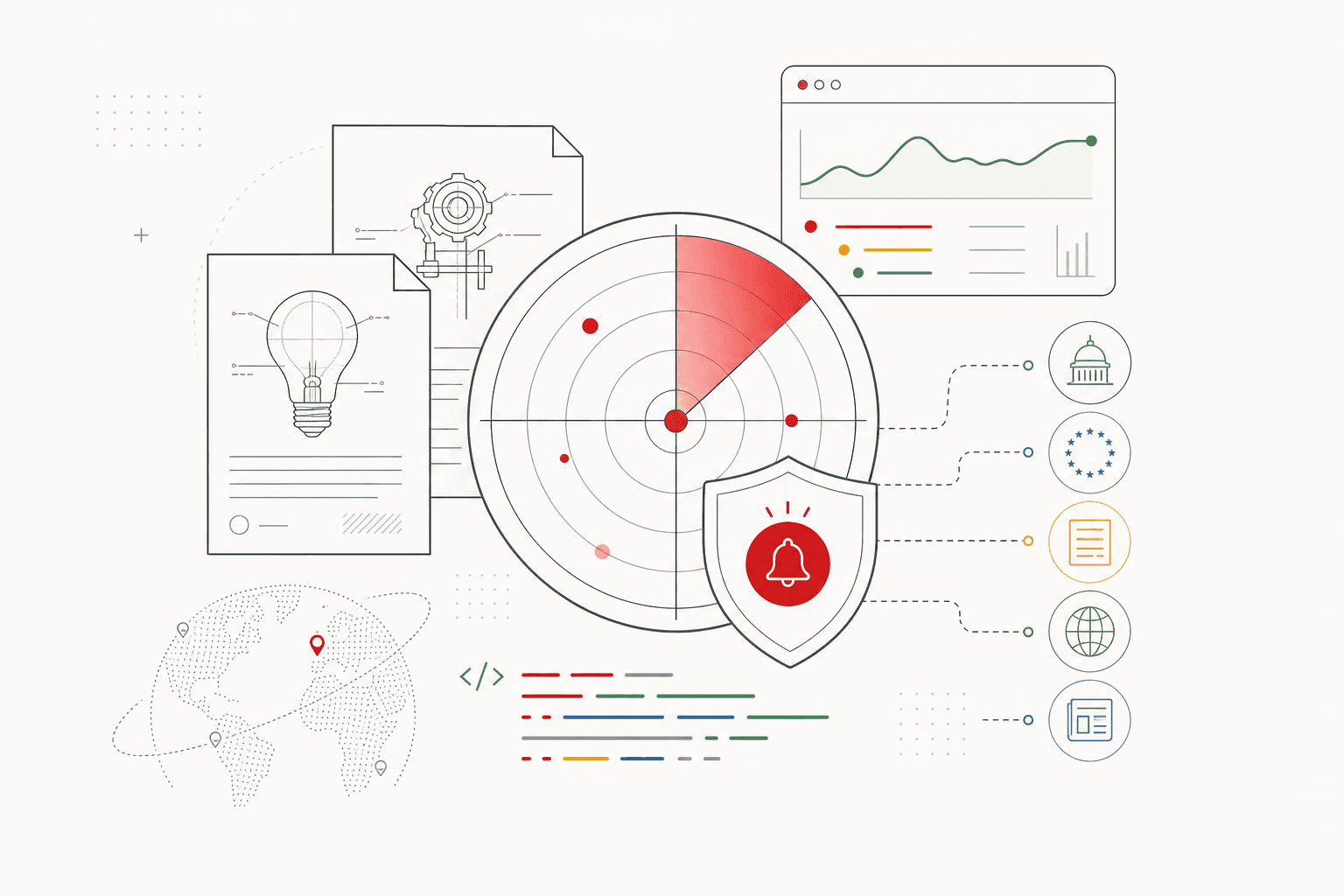
The bottom line: Setting up continuous patent monitoring with PriorPatrol takes about five minutes — paste your product description once, confirm AI-extracted keywords, get a weekly risk-graded report. This post walks through every screen so you can decide if it fits before signing up.
Why monitoring matters more than one-time searches
A one-shot prior art search ($5K–$15K from an IP firm) gives you a snapshot of what exists today. Six months later, that snapshot is stale. The USPTO publishes around 330,000 patent applications per year — about 6,300 a week — and a meaningful fraction of those are in your competitive space.
Monitoring is the opposite shape. You don't ask "what exists?" once. You ask "what got published this week?" forever, and you only get pinged when something matches your product.
That's why monitoring scales for indie founders in a way formal searches never will. The unit economics work because the alert volume is small even when the underlying patent volume is huge — semantic relevance is a strong filter.
Step 1: Sign up (30 seconds)
Go to priorpatrol.com and click "Start free." We use Google OAuth, so it's literally one click — no email confirmation, no password.
You land on a clean dashboard with a single "Add your first watchlist" empty state.
Step 2: Describe your product (2 minutes)
This is the only writing you'll do. Click "New watchlist" and paste a paragraph about your product into the textarea.
The trick: describe the mechanism, not the marketing. Bad input:
Acme is the AI-powered platform that helps teams collaborate.
Good input:
Acme is a semantic cache for RAG pipelines. We embed each query, store the embedding alongside the answer, and on a cache hit return the prior answer if cosine similarity exceeds 0.93. Targeting LangChain and LlamaIndex users.
The second version names the technique (semantic cache, cosine similarity), the threshold (0.93), and the ecosystem (LangChain). That gives the keyword extractor enough to triangulate against patents that use synonyms — "vector lookup table," "embedding-based memoization," "approximate-match cache" — that you'd never have searched for manually.
You can also add competitor tickers (e.g., MSFT, GOOGL) — we'll cross-reference their SEC filings for IP language related to your space. Optional but high-signal for funded segments.
Step 3: Confirm the keywords (1 minute)
Hit "Extract keywords." Our AI reads your description and proposes 6–10 search-ready phrases like:
embedding cache · vector cache · semantic cache · cosine similarity threshold ·
retrieval augmented generation · RAG memoization · LLM context cache
Click any chip to remove it; type a new phrase + Enter to add. Most founders edit 1–2 chips and accept the rest.
This is the only step where your judgment matters. Bad keywords = false positives. Too few keywords = misses. The default usually lands well, but if your space has unusual terminology, this is your chance to nudge it.
Click "Create watchlist."
Step 4: Run your first scan (1 minute)
You're now on the watchlist detail page with a "Run scan now" button. Hit it. The pipeline runs four queries in parallel:
- USPTO + EPO patents (last 30 days, plus deeper history on first scan)
- arXiv + PubMed academic preprints
- SEC filings for any competitor tickers you added
- IP-related news (patent / lawsuit / infringement / licensing)
Each hit gets graded by our AI against your product description: HIGH (overlaps directly), MEDIUM (same problem space, different mechanism), or LOW (related but not a real conflict). Each grade comes with one sentence of plain-language rationale.
Total scan time: ~30–60 seconds. Result: your first report.
Step 5: Read the report (30 seconds)
The report layout is deliberately boring: three sections — High, Medium, Low — each with the count in the header. Most founders read in this order:
- High first. If empty, exhale; the rest is background.
- Skim Medium. Decide whether any deserve a deeper read.
- Ignore Low unless you have time. They're competitive intel, not legal risk.
Each finding has:
- A risk badge (green/amber/red dot)
- The source (Patent / Paper / SEC / News)
- The title (linked to the original)
- The AI's one-sentence rationale + suggested action
If a HIGH alert lands, the suggested action is almost always: export the report to PDF and book a 30-minute consult with a patent attorney. The cost of that consult ($300–$600) is trivial compared to the cost of being wrong.
What happens after setup
The cron runs every Monday at 13:00 UTC. You'll get an email summarizing the report — top finding inline, link to the full dashboard. If counts.high > 0, the subject line gets a 🔴 prefix so it's hard to miss.
You can also re-trigger a scan manually any time (e.g., before a launch).
When monitoring isn't enough
Two scenarios where you should pair PriorPatrol with a formal step:
- Filing a patent: pay for a one-time professional patentability search ($1,500–$5,000 from an off-shore firm). Monitoring won't catch everything published before you started.
- Acquisition / large fundraise: your investors or acquirer will want a formal FTO opinion ($5K–$15K from a US patent firm). Monitoring is operational awareness, not a legal opinion.
For everything in between — daily operational risk awareness, competitive intel, defending against a future treble-damages claim — monitoring is the right shape.
Common setup mistakes
- Marketing copy as input. "We help teams collaborate" extracts useless keywords. Describe the technique.
- Too narrow keywords. "embedding cache" alone misses "vector lookup," "semantic memoization." The AI usually adds variants; don't aggressively trim them.
- Ignoring the news source. SEC filings and news catch IP behavior (lawsuits, licensing announcements) that pure patent search will miss. Leave them on.
- Treating LOW items as noise. They're often the first weak signal of a competitive thrust. Skim them quarterly.
FAQ
Do I need legal training to set up patent monitoring?
No. The setup is paste-a-paragraph. AI extracts search keywords, you confirm or edit them, and reports arrive weekly with plain-language explanations of each finding.
How often will I actually get alerts?
Most weeks: 5–20 low-priority items you can skim in 30 seconds. Maybe 1–3 medium items per month. High-priority alerts are rare by design — usually 0–2 per quarter.
What happens when a high-priority alert fires?
PriorPatrol sends an email with the title, the AI's one-line rationale, and a direct link to the patent or paper. From there, the suggested next step is usually a 30-minute consult with a patent attorney.
Can monitoring replace a formal prior art search?
No, and they shouldn't. Monitoring keeps you informed of new filings going forward. A formal search captures everything published up to today. The two complement each other; monitoring is just much cheaper as a default.
What sources does it cover?
USPTO and EPO patents, arXiv and PubMed academic preprints, SEC 10-K and S-1 filings (for competitors you specify by ticker), and IP-related news from major media. All cross-referenced against your product description.
Set up your first watchlist now: start free — no credit card, takes 5 minutes, you'll have your first report inside an hour. Upgrade to Solo ($29/mo) when you want unlimited scans and weekly auto-watch.
This post is informational, not legal advice. For high-stakes decisions, consult a registered patent attorney.